One tap.Real reviews.
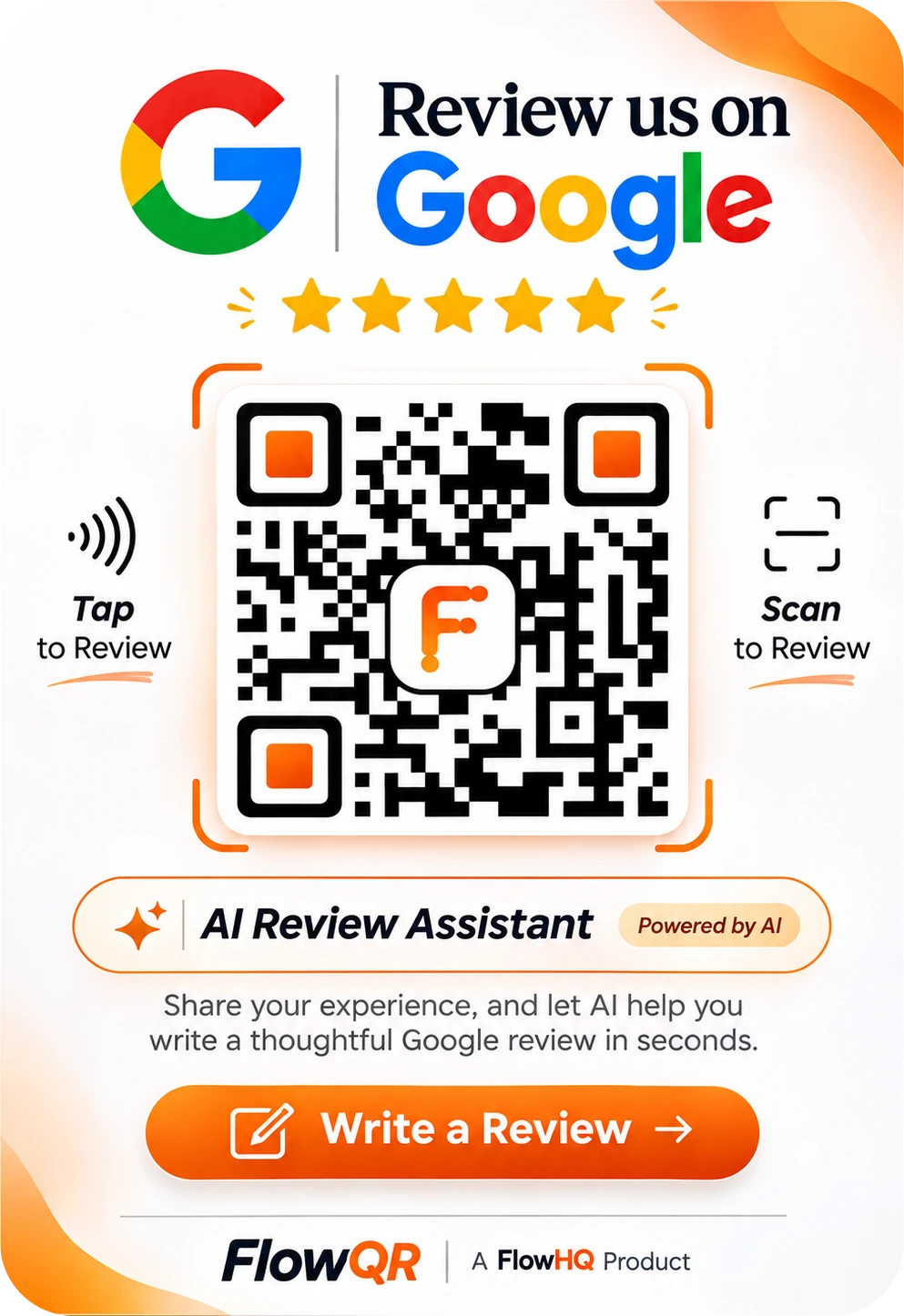
Customers tap the card or scan the QR. Both open your review page.
Write it in
their own words
The review page your customers see
Share your experience
What stood out? (optional)
You post it on Google yourself.
Your customer writes it. AI only helps them say it clearly. They post it on Google themselves.
Card activated
Counter card #A1042
Scan to activate
FlowHQ prints cards in batches. Scan one in the app to link it to your shop; it goes live straight away.
Card #A1042
Sample dataPoints to
Indiranagar · Review page
Printed code stays the same
Change where it points
Move a card to another location or review page from the app. The printed code never changes.
QR scans: 131
This month
NFC taps: 72
This month
Visits: 178
Reached the page
To Google: 125
Taps, not reviews
QR and NFC, counted apart
See scans and taps separately, how many reached your review page, and how many continued to Google.
Posters and table tents
Download your branded poster as PNG, SVG or print-ready PDF for counters, tables and walls.
How a card goes live
- 1
Order cards
FlowHQ prints posters and NFC cards, each with its own link.
- 2
Scan to activate
Scan the card in the app and pick the location.
- 3
Place it
Put it where people pay or wait.
- 4
Watch it work
See scans, taps and visits for each card.
Cards are sold separately from the subscription; contact us for pricing.
Better than a plain QR sticker
What a FlowQR card does that a printed link can't.
| Feature | FlowQR card | Plain QR sticker |
|---|---|---|
| Tap with NFC as well as scan | Yes | No |
| Change destination without reprinting | Yes | No |
| Review page with an AI writing assistant | Yes | No |
| English and Hindi | Yes | No |
| Separate QR and NFC analytics | Yes | No |
| Pause or retire a lost card | Yes | No |
Frequently asked questions
- Yes. Every customer gets the same page whatever their rating, nobody is offered anything for a review, and customers post their own review on Google.
- The link inside it is permanent. The printed card lasts as long as the material does; you can replace a worn card and keep its history.
- Pause or retire it in the app. A retired card stops opening your review page.
- Yes. Reassign it in the app; the printed code stays the same and history is kept.
- No. Tapping or scanning opens a web page in their phone's browser.